Fanvil IP Phones for Hybrid Teams: A 2026 Video Guide
Hybrid work did not kill the desk phone — it reinvented it. In 2026, the device on your desk is expected to do far more than carry a voice call. It needs to launch a video meeting, show your calendar, and bridge the office with colleagues working from home. That shift is why Fanvil IP phones have quietly become a favourite for teams that split their week between the office and everywhere else.
This guide looks at telephony through a collaboration lens. Instead of rehashing specs, it explains how a smart video endpoint changes the way distributed teams actually work together each day.
The desk phone becomes a collaboration hub
For years, the phone and the video platform lived in separate worlds. You dialled on one device and joined meetings on another. Modern IP phones collapse that gap. A single unit now handles voice, video, and presence, which means fewer apps, fewer logins, and fewer missed handovers.
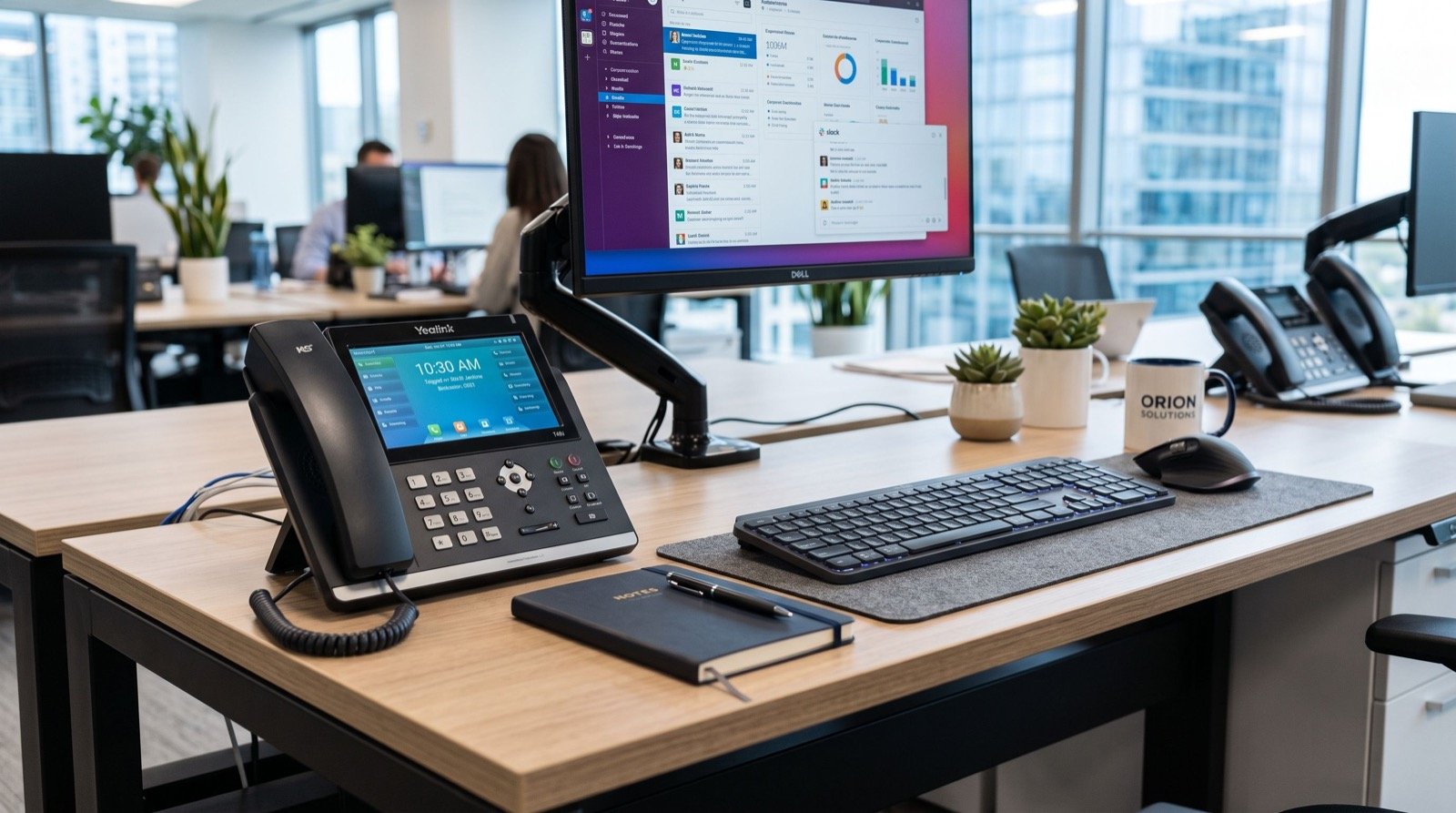
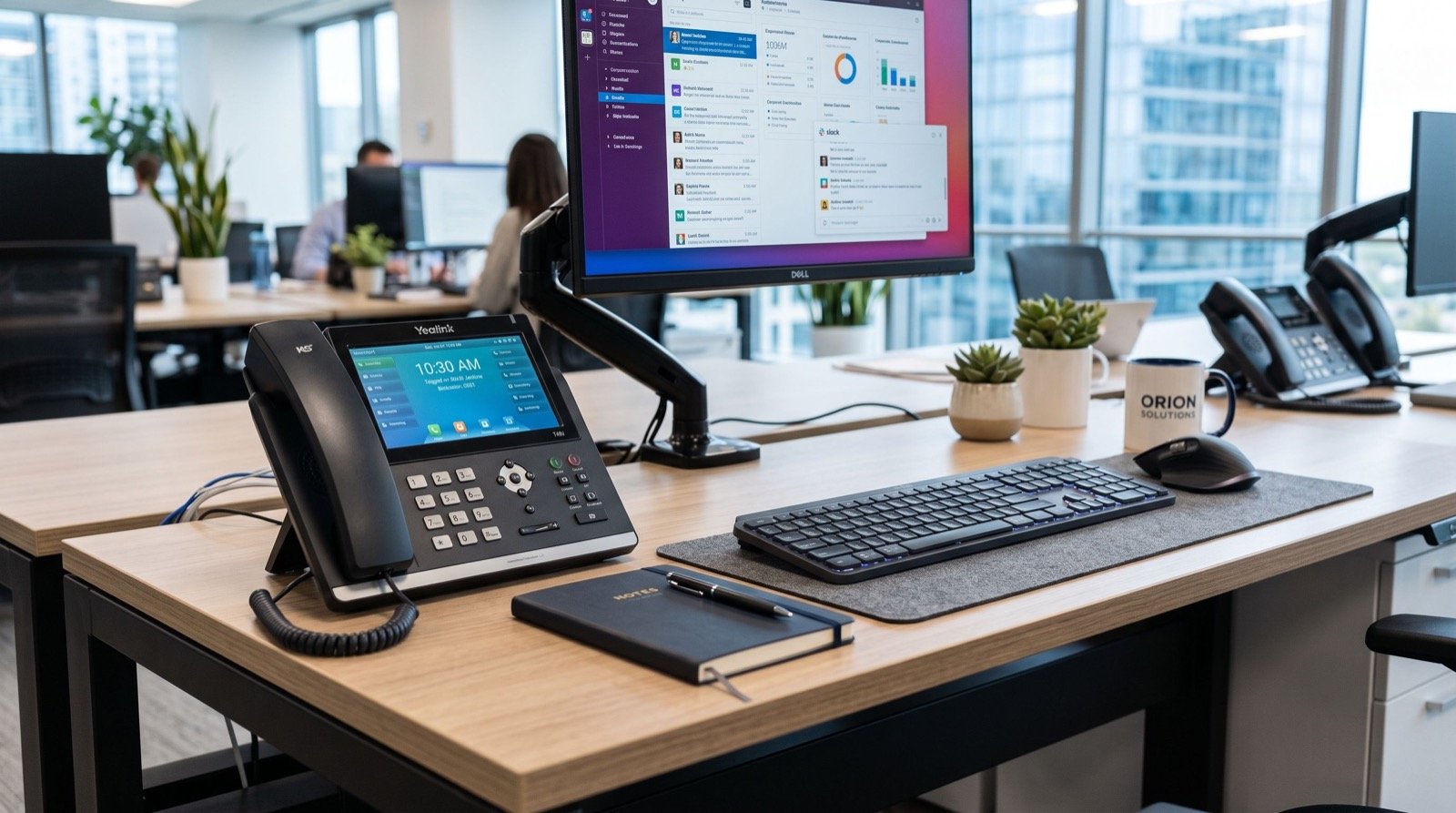
The Fanvil V67 Flagship Smart Video Phone is built for precisely this role. With a large colour touchscreen, a sharp camera, Wi-Fi 6, and Bluetooth, it turns any desk into a ready-made meeting point without a laptop balanced on a stack of books.
What hybrid teams gain
- One-touch video calls without hunting for a meeting link.
- Consistent audio quality that laptops rarely match.
- Presence indicators so colleagues know who is reachable.
- A device that stays put, so the office desk is always meeting-ready.
Designing a workspace around Fanvil IP phones
A thoughtful hybrid setup treats the phone as part of the room, not an accessory. Where it sits, how it is powered, and how it connects all influence whether people actually use it.
A simple room-by-room plan
| Space | Primary need | Setup tip |
|---|---|---|
| Private desk | Quick calls, quick video | Smart video phone with headset |
| Huddle room | Small group meetings | Video phone on a central table |
| Hot desk | Shared by rotating staff | Login-based extension hotdesking |
| Quiet booth | Focused one-to-one calls | Compact phone, wall-mounted |
Notice that not every space needs the flagship. The art of a good rollout is reserving premium video endpoints for the rooms where face-to-face contact drives decisions, and using simpler handsets elsewhere.
Security cannot be an afterthought
When voice and video travel over your data network, they inherit the same threats as everything else. A phone is a computer, and it deserves the same hygiene. The practical guidance published by the US National Institute of Standards and Technology on securing VoIP systems is a useful baseline even for small teams.
- Change every default password before a phone touches the network.
- Encrypt signalling and media with TLS and SRTP.
- Segment voice traffic onto its own VLAN.
- Keep firmware patched on a predictable schedule.
- Disable unused services such as open web management on public interfaces.
These steps take an afternoon to implement and save you from the kind of incident that erodes customer trust overnight.
How do Fanvil IP phones improve remote collaboration?
The honest answer is that they remove friction. Every extra click between “I need to talk” and “we are talking” costs attention. By putting dialling, video, and transfer on dedicated hardware, these phones shrink that gap to a single press.
There is also a reliability dividend. A fixed device on a wired connection does not suffer the random audio glitches of a laptop juggling a dozen background apps. For client-facing roles, that consistency is the difference between sounding polished and sounding chaotic.
If you want help designing the rollout rather than improvising it, working with dependable specialists who understand both networking and workflow can turn a pile of boxes into a system your team genuinely enjoys using.
Building a future-proof fleet
Technology cycles are shortening, so buy for the next three years, not the last three. Prioritise devices with current Wi-Fi standards, firmware that still receives updates, and a management platform that scales. When you are ready to compare the full lineup, browsing the complete range of IP Phones helps you match budget to ambition across every room in the building.
Getting your team to actually use the technology
The best hardware in the world fails if people avoid it. Adoption, not installation, is where hybrid rollouts really succeed or stall. The trick is to make the new way obviously easier than the old habit of grabbing a laptop and hunting for a meeting link.
A few small human touches make an outsized difference.
- Pre-label the buttons staff use most, so the first interaction is a win, not a puzzle.
- Run a ten-minute demo per team rather than a long all-hands session nobody remembers.
- Pick internal champions who can answer quick questions at the desk next door.
- Collect feedback early and tweak room layouts before the habits set.
When people feel the friction disappear — one press to start a video call, clean audio every time — they stop thinking about the device and start thinking about the conversation. That is the quiet sign of a rollout that worked, and it is well within reach for teams of any size in 2026.
Frequently Asked Questions
Do I need a special platform to make video calls?
You need a PBX or cloud service that supports video SIP endpoints. Many popular platforms already do. Confirm video codec support before you deploy, since some older systems only pass audio.
Can remote staff use the same phones at home?
Yes. A home worker can register a desk phone over the internet to the same PBX using a secure connection, giving them an identical experience to the office. A VPN or an SBC keeps that link safe.
Is Wi-Fi reliable enough for a desk phone?
With modern Wi-Fi 6 and a well-placed access point, yes. That said, a wired connection is still preferable for fixed desks because it removes any wireless variability from critical calls.
How long does deployment take?
A small hybrid office can be live in a day or two once the network is ready. Auto-provisioning does the heavy lifting, so most of the time goes into planning room layouts and training staff.
Conclusion: equip your hybrid team for 2026
The takeaway is simple. Fanvil IP phones let distributed teams meet, call, and collaborate from a single reliable device, and that reduces the daily friction that quietly drains productivity. Plan each room around the way people actually work, lock down security from day one, and buy for the years ahead. Want a workspace that feels effortless? Map your rooms this week and request a tailored configuration so your hybrid team walks into 2026 ready to connect.